How:
Web funnels
Follow mobile app ads to the funnels behind them
See which landing pages a brand is promoting more heavily on Meta. Open a funnel to compare the ads, languages, and offers sending people there.

Loved by growing apps and leading app studios

Breeze
Vocal Image

Instories

Bend

memoryOS

Glam AI

Windy
AppNation
Parrot

MyEdSpace

Lingvano

Talaboos
Breeze
Vocal Image
Instories
Bend
memoryOS
Glam AI
Windy
AppNation
Parrot
MyEdSpace
Lingvano
Talaboos

EWA

rocapine

Peech

Woofz

Dil Mil
Tiny Minies

Loora

BitePal

SevenApps

Lingokids
Freeletics
Kotcha
EWA
rocapine
Peech
Woofz
Dil Mil
Tiny Minies
Loora
BitePal
SevenApps
Lingokids
Freeletics
Kotcha
What you can inspect
Promoted destinations
See which landing pages, store listings, or other links appear across a brand’s Meta ads.
Ad activity by link
Compare ad counts over different time windows to see where the brand is concentrating its creative.
Ads for a single funnel
Inspect the images, videos, and copy leading to the same destination without hunting through the whole ad library.
Language and audience cues
Compare how the ads address different people and which languages lead to the same page.
Follow the promise from ad to landing page
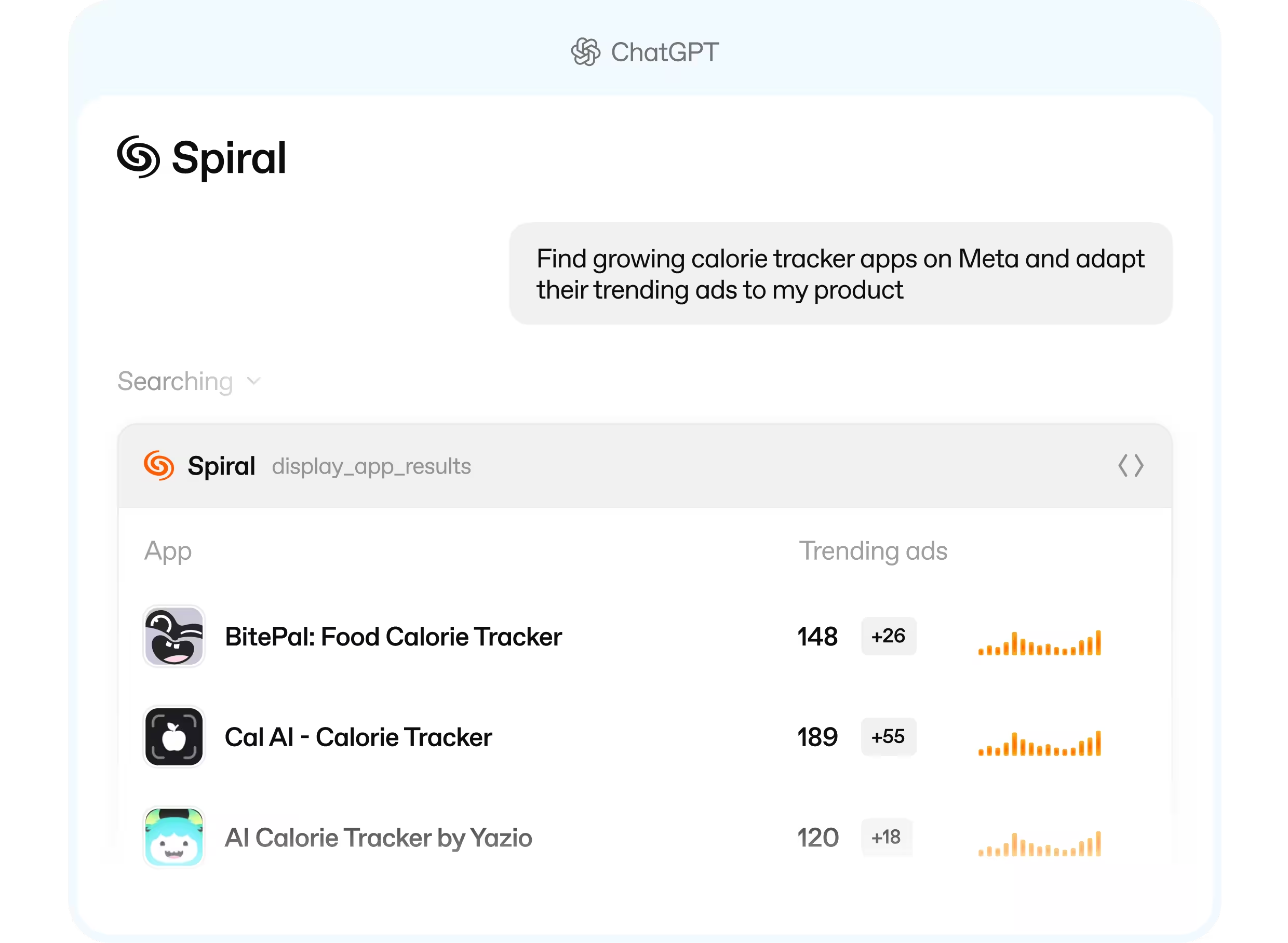
Find the destination gaining ads
Compare promoted links over time. A destination attracting more ads is a good place to start investigating.
Read the ads side by side
Open the creative attached to one link. See whether the brand is testing a new pitch or translating a familiar one.
Walk through the live funnel
Visit the destination to experience the offer yourself. Check whether the first screen delivers on the promise that earned the click.
Decide which funnel to investigate
Which destination is gaining attention from the brand?
Compare its share of the brand’s ads across time windows. A rising share can reveal a change in focus.
Are different promises sending people to the same page?
Open the ads tied to one URL and compare their headlines and offers.
Has the brand localized the whole journey?
Compare the language in the ad with the language and offer on the destination page.
Is the pattern limited to one advertiser page?
Compare the links promoted by a single Meta page with those used across the brand.
Good to know before you start
- Promoted-link research uses Meta ad activity.
- Ad counts describe promotion, not visits, conversions, or funnel revenue.
- Audience cues come from the creative; private targeting settings aren’t visible.
“Spiral has become a core part of our creative workflow. As a lean team, we use it to monitor competitors, identify emerging trends, remix winning concepts, and localize ads across markets.”
Yulia Karasik
VP Marketing, Loora

Customer stories
Loora
Spiral has become a core part of our creative workflow. As a lean team, we use it to monitor competitors, identify emerging trends, remix winning concepts, and localize ads across markets.

Yulia Karasik

VP Marketing

Reface
I tried lots of competitor trackers. Spiral is the first tool where research feels really good. The team kept asking for seats until we ran out. When the API shipped, I plugged it straight into my Claude agents.

Hlib Petrov
Head of Creative Marketing
Tiny Minies
We’ve been with Spiral since the early days, and watching the platform evolve has been incredible. It completely changed how we handle competitor intelligence and creative production now.

Volkan Taban
Co-founder & CMO
Kidology
Spiral increased our static creative output by 180%. Our creative producers were onboarded in just one day and quickly began delivering high-quality visuals, several of which we successfully scaled.

Alex Bondarenko
Founder
Parrot
Spiral's MCP supercharges the creative ideation process for ads. I recommend it for teams that are getting serious about their performance marketing. Go download Parrot on the app store!

Amir Hanna
Co-founder & CEO


Choose your plan
Select the plan that best fits your needs.
Upgrade or downgrade at any time.
Upgrade or downgrade at any time.
Monthly
Yearly
2 months free
Explore
$175
$175
/ month
2 team members
500 MCP credits
Includes:
Explore winning and trending ads


Track unlimited apps and websites
Create and share ad collections
Creative Meta Ads analytics
Get MCP and API access
2 app profiles connected
1 ad account connected
Unlimited ad spend
Launch
$350
$350
/ month
4 team members
1,500 AI & MCP credits
All features in Explore, plus:
Generate AI video and static ads
Analyze creatives with AI tags
Translate videos to 30+ languages
Swap AI avatars in videos
Bulk upload to Meta Ads
Unlimited ad uploads
5 app profiles connected
5 ad accounts connected
Unlimited ad spend

Grow
$750
$750
/ month
10 team members
5,000 AI & MCP credits
All features in Launch, plus:
Team onboarding
Slack / Telegram chat
Priority feature requests
Order UGCs from real creators
10 app profiles connected
15 ad accounts connected
Unlimited ad spend
Scale
Built for high-volume creative teams that need unlimited access and priority support.
Custom AI credits
Creative strategy calls
Unlimited team members
Unlimited ad accounts connected
Custom pricing and volume discounts
Web funnels FAQ
What does Spiral show for a web funnel?
The promoted destination, its ad activity, and the ads pointing to it. Open the live link to inspect the experience beyond the ad.
Can I compare recent and longer-term activity?
Yes. Compare promoted links over 7-, 30-, or 60-day windows.
Can I tell which funnel converts best?
No. You can see which funnels a brand promotes more heavily. Conversion rates belong to the advertiser.
App growth call
Book a call with CEO to discuss your app growth and creative production needs.

Thank you! Your submission has been received!
Oops! Something went wrong while submitting the form.
